
How to Make an AI Rap Video From a Photo (Free Guide)
Turn one photo into a lip-synced AI rap video in about 3 minutes: pick a scene and beat, let AI write the lyrics, and download a clip ready for TikTok or Reels.
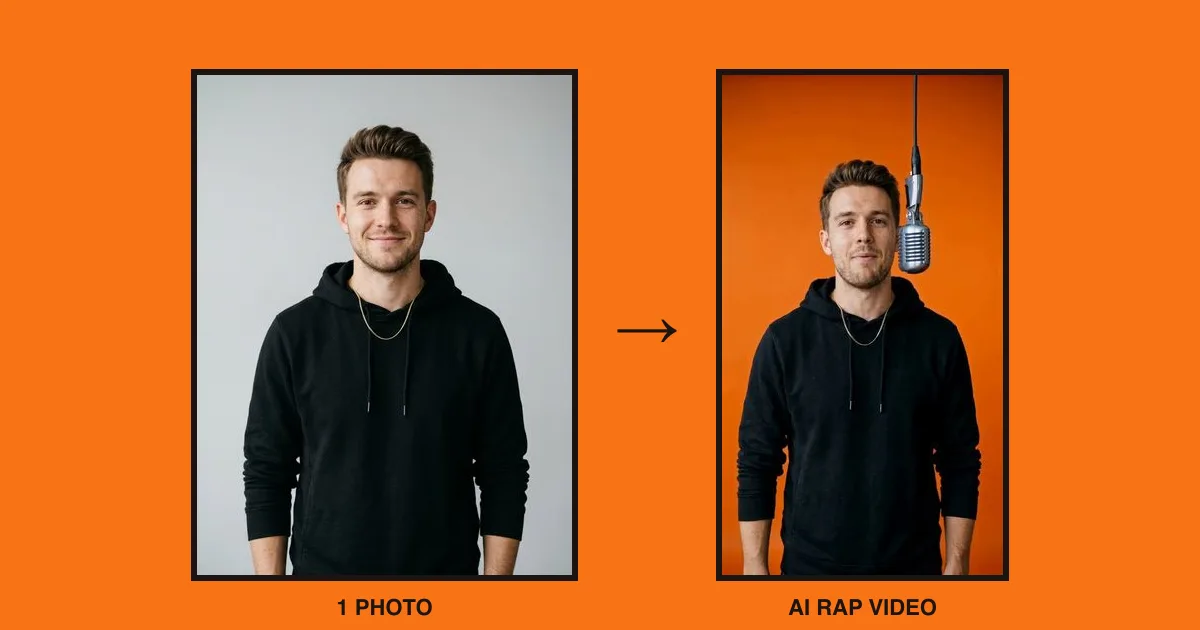
The short answer: to make an AI rap video, upload one clear, front-facing photo, choose a scene and a beat, type a topic or your own lyrics, and press Create. The AI writes the words, generates the music and lip-syncs the performer. Most videos are ready in 2 to 4 minutes.
An AI rap video is a short clip where the person in your photo raps on camera: the lips move with the vocals, the head nods to the beat and the lyrics are original. You don't need to film anything or know how to rap. All it takes is one clear photo.
Below is the full walkthrough using RapVideo AI, with tips on photos and lyrics that make the lip sync look natural. If the rapper is you, also see how to make a photo of yourself rap.
What you need
- One photo for a solo video, or two photos for a duo. A phone selfie is fine.
- A topic for the lyrics, like a birthday roast, your pet or a team win. Optional: the AI can write about anything.
- A free account. New accounts get 3 credits, enough for your first 5-second video at 480p.
That's it. No app to download and no editing software.
Step 1: Choose solo or duo
Open the AI rap video generator and pick who's rapping.
- Solo: one person, pet or character raps alone.
- Duo: two people trade lines and share the mic. In the Hotel Lobby scene, one raps while the other keeps moving, like the viral two-person clips; see how to make an AI rap duo video for duo-specific tips.
Step 2: Upload a clear photo
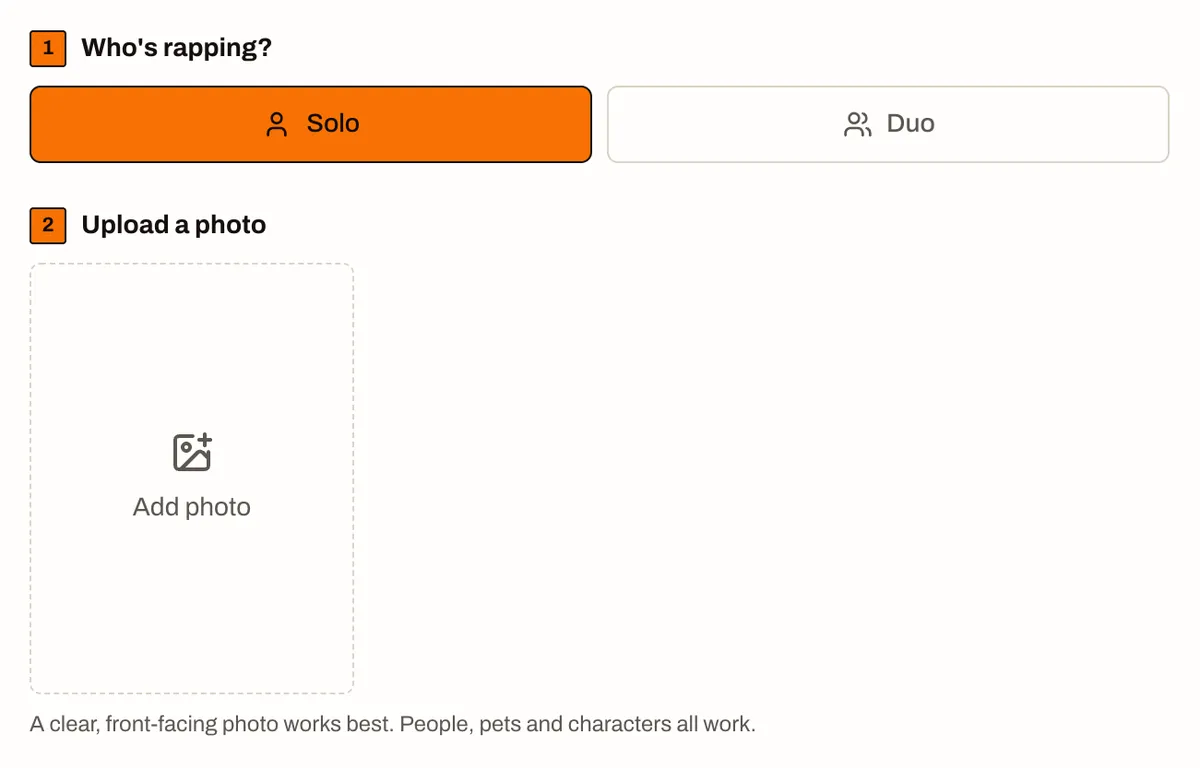
The photo decides how good the video looks, so it's worth a few seconds to pick the right one:
- Face the camera. A front-facing shot with both eyes visible gives the best lip sync.
- Show the upper body. Head and shoulders, or down to the waist, leaves room for hand gestures.
- Use good light. Daylight from a window beats a dark room or harsh flash.
- One person per photo. In duo mode, upload each rapper's photo separately.
- Skip sunglasses and heavy filters. They make the face harder to animate.
People, pets and drawn characters all work. If a dog photo has a clear, front-on face, the dog will rap.
Step 3: Pick a scene
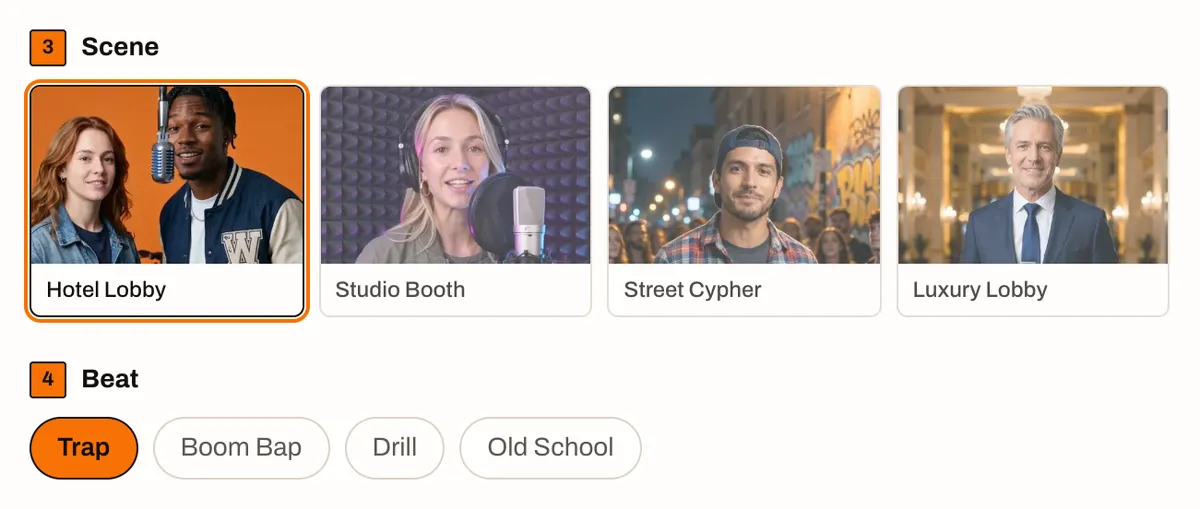
The scene is the set your rapper performs in:
| Scene | What it looks like | Good for |
|---|---|---|
| Hotel Lobby | Bright orange walls and one vintage mic on a cable | The viral orange-background trend |
| Studio Booth | Acoustic foam, condenser mic, purple and blue neon | A "recording my verse" look |
| Street Cypher | City corner at night, graffiti wall, small crowd | Hype, battle and crew videos |
| Luxury Lobby | Marble floors, chandeliers and gold, cinematic lighting | Flex videos, birthdays, business promos |
If you're here because of the orange-wall clips everyone is posting, choose Hotel Lobby. Our Hotel Lobby AI guide explains where the trend came from.
Step 4: Pick a beat
Four beats, four moods:
- Trap: hard 808 bass and fast hi-hats. The safe default for most topics.
- Boom Bap: dusty 90s drums. Great for storytelling and throwback vibes.
- Drill: dark, sliding 808s. Serious, confident, a bit menacing.
- Old School: bouncy and funky. Perfect for birthdays and anything playful.
The beat also shapes the lyrics: the AI writes to the rhythm you pick.
Step 5: Add a topic or your own lyrics
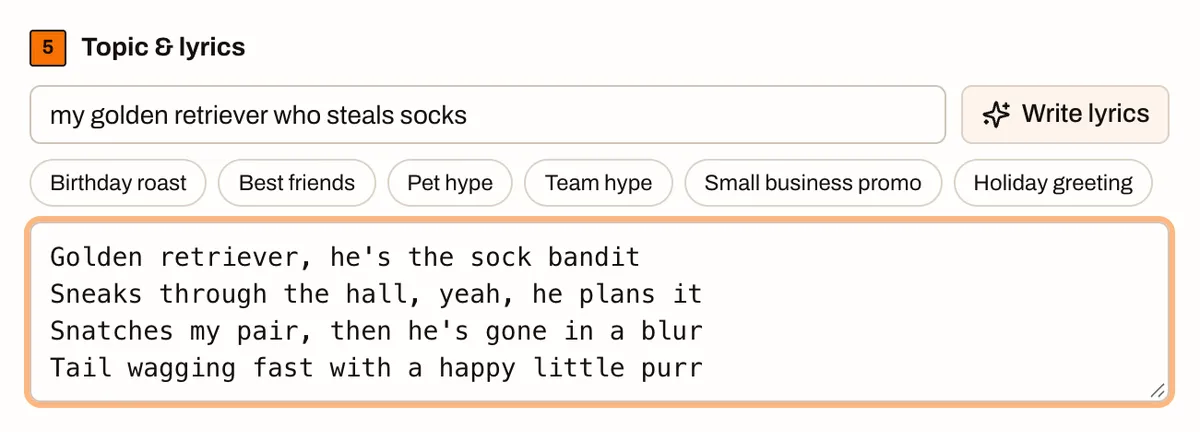
You have three options:
- Type a topic and press Write lyrics. The AI drafts the bars and you can edit them before generating. Example topic: my golden retriever who steals socks.
- Tap a preset such as Birthday roast, Pet hype or Team hype.
- Write your own. Put one bar per line.
Tips for lyrics that sync well:
- Keep lines short. About 6 to 9 words per line raps cleanly.
- Plan about one line per 2.5 seconds. A 10-second video fits 4 lines; 15 seconds fits 6.
- One idea per line. Punchlines land better than long sentences.
- Keep it clean. Prompts with explicit, hateful or violent content are blocked before anything is charged.
Want to play with lyrics first? The free AI rap lyrics generator writes verses without making a video. Already have your own? Here's how to turn your lyrics into a rap video.
Step 6: Choose quality, length and format
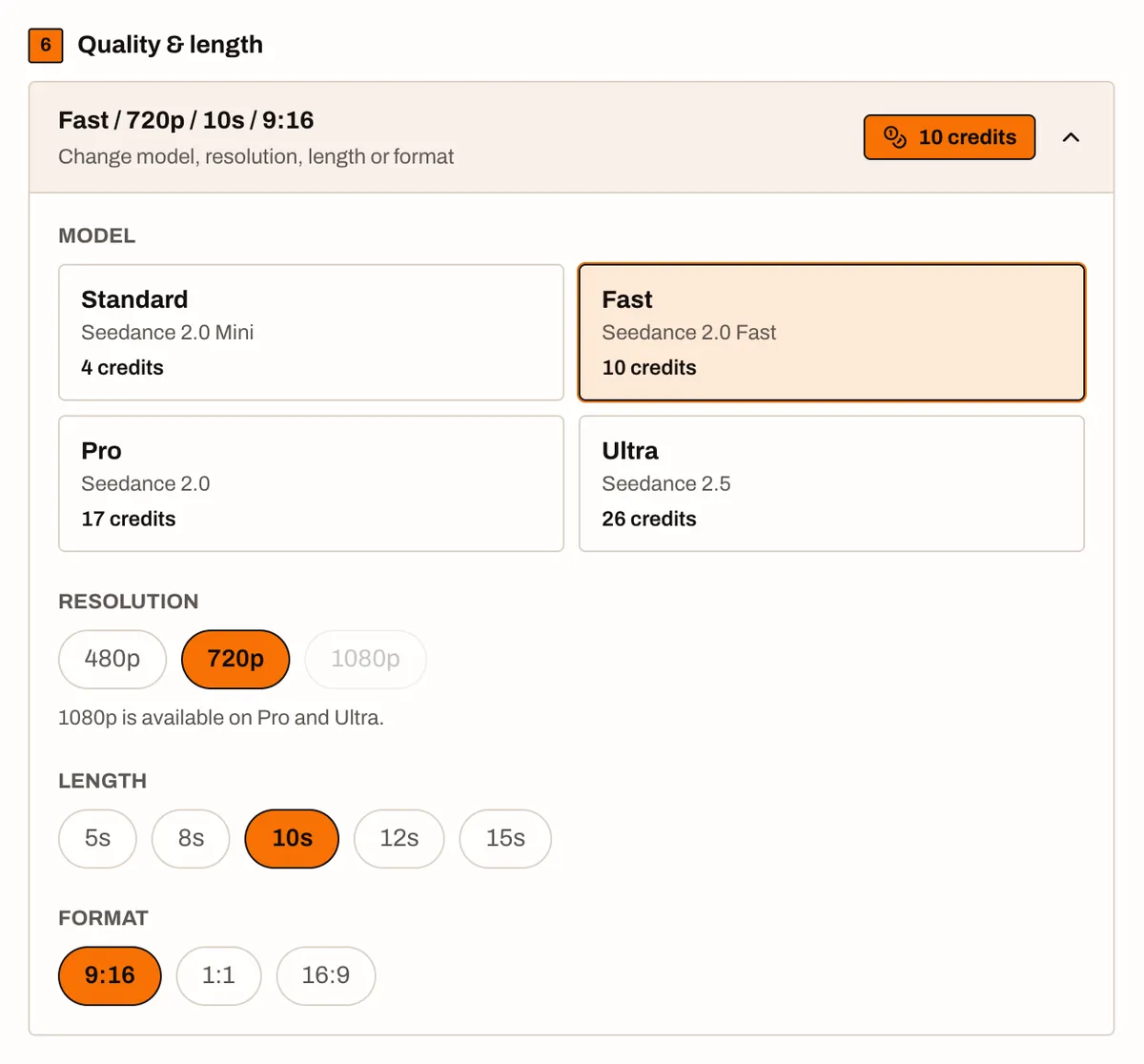
The default depends on your credits: new accounts start on Standard at 480p, and a balance that covers it moves you to Fast. A Hotel Lobby duo on a new account starts at 5 seconds on Standard (3 credits), and a balance that covers it opens on 10 seconds at Fast. You can pick any model and length; past 5 seconds, Standard may not keep up with the routine, so Fast is recommended. Videos open in 9:16. Other videos start at 10 seconds if your credits cover it, or 5 seconds if not. Open the panel if you want something else:
- Model: Standard, Fast, Pro or Ultra. Higher tiers give sharper detail and smoother motion.
- Resolution: 480p, 720p, or 1080p on Pro and Ultra.
- Length: 5, 8, 10, 12 or 15 seconds.
- Format: 9:16 for TikTok, Reels and Shorts, 1:1 for feed posts, 16:9 for YouTube.
Credits for a 10-second video:
| Model | 480p | 720p | 1080p |
|---|---|---|---|
| Standard (Seedance 2.0 Mini) | 5 | 9 | n/a |
| Fast (Seedance 2.0 Fast) | 7 | 14 | n/a |
| Pro (Seedance 2.0) | 9 | 17 | 42 |
| Ultra (Seedance 2.5) | 14 | 30 | 75 |
The exact cost shows on the Create button before you spend anything. Shorter clips cost less.
Step 7: Create and download
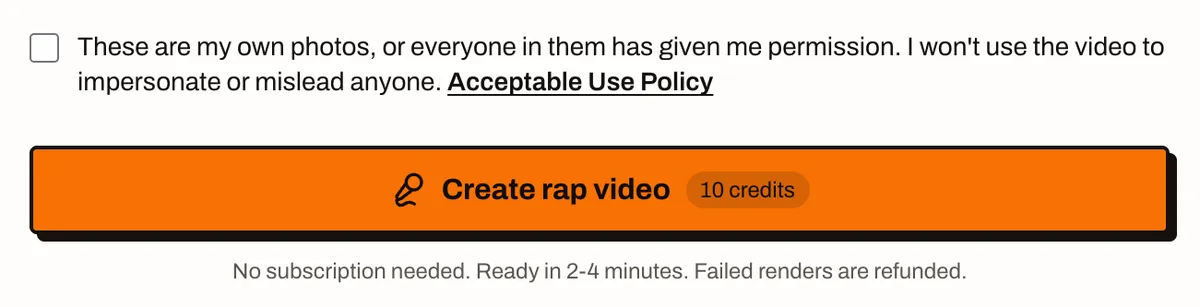
Tick the box to confirm you have permission to use the photos, then press Create rap video. Most videos are ready in 2 to 4 minutes. You can leave the page; the finished clip is saved in your history. If a render ever fails, the credits go straight back to your balance.
When it's done, press Download video and post it. Please mention that it's AI-generated when you share it.
Ideas to try
- Birthday roast: a friend's photo plus Old School beat and some gentle teasing.
- Pet hype: your cat or dog bragging about running the house.
- Team win: a coworker duo celebrating a launch in the Street Cypher.
- Small business promo: the owner rapping today's special in the Luxury Lobby.
- Holiday greeting: a 10-second rap card instead of a text message.
Need more? Grab one of our 50 AI rap video prompt ideas, each paired with the best scene and beat.
Common problems and quick fixes
- The mouth looks blurry or off. Use a sharper, front-facing photo with the mouth clearly visible, or try Pro or Ultra.
- The rapper doesn't look like the photo. Crop out other people and busy backgrounds before uploading.
- The words feel rushed. Cut the lyrics to fewer, shorter lines, or pick a longer length.
- The request is blocked. Rephrase the topic. Anything sexual, violent, hateful or involving minors in an unsafe way is refused.
FAQ
Is it free to make an AI rap video?
Yes. New accounts get 3 free credits, which covers one 5-second video at 480p on the Standard model. You only pay if you want to make more.
How long does it take?
Most videos are ready in 2 to 4 minutes. You can close the page while it renders; the finished video waits in your history.
Do I have to write the lyrics myself?
No. Type a topic, or leave everything empty, and the AI writes the bars for you. You can also paste your own lyrics, one line per bar.
Can I make a rap video of my dog or a cartoon character?
Yes. Pets, illustrations and original characters work as long as the face is clear and facing the camera.
Can I use a photo of a friend?
Only with their permission. Don't upload photos of celebrities or anyone you don't have consent from, and label the video as AI-generated when you share it. The full rules are in our Acceptable Use Policy.
What format should I pick for TikTok and Reels?
9:16 vertical. Use 1:1 for feed posts and 16:9 for YouTube. Our TikTok, Reels and Shorts guide covers settings, captions and AI labels.
Make your first AI rap video
You now know everything that matters: a clear photo, a scene, a beat and a few short lines. Open the AI rap video generator, sign up for your free credits and have your first clip ready in a few minutes.