
AI video effect
AI Hug Generator
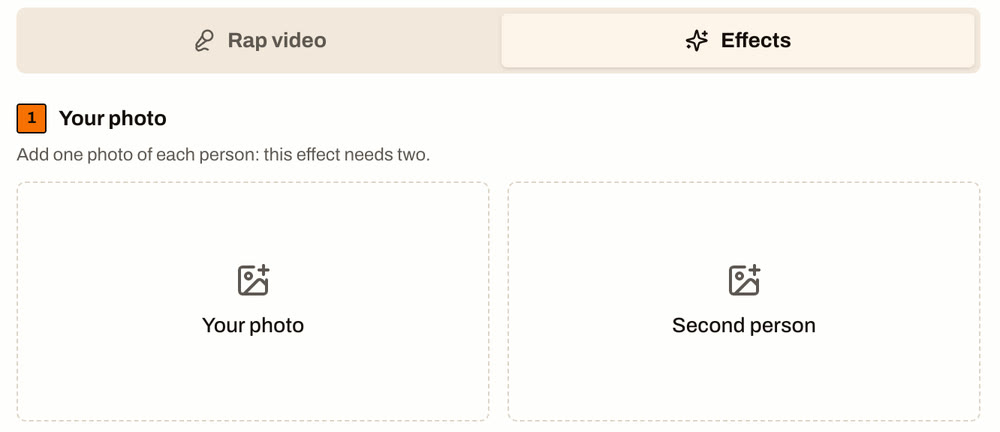
1Your photo
Add one photo of each person: this effect needs two.
2Effect
2Scene
3Video
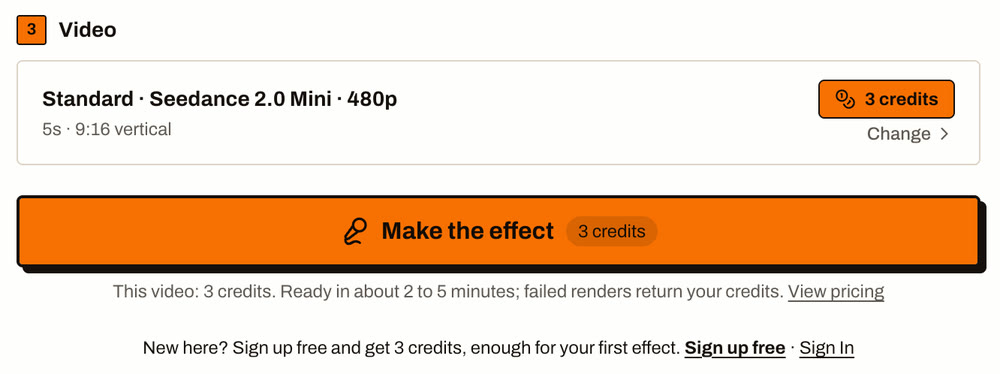
This video: 3 credits. Ready in about 2 to 5 minutes; failed renders return your credits. View pricing
The effect
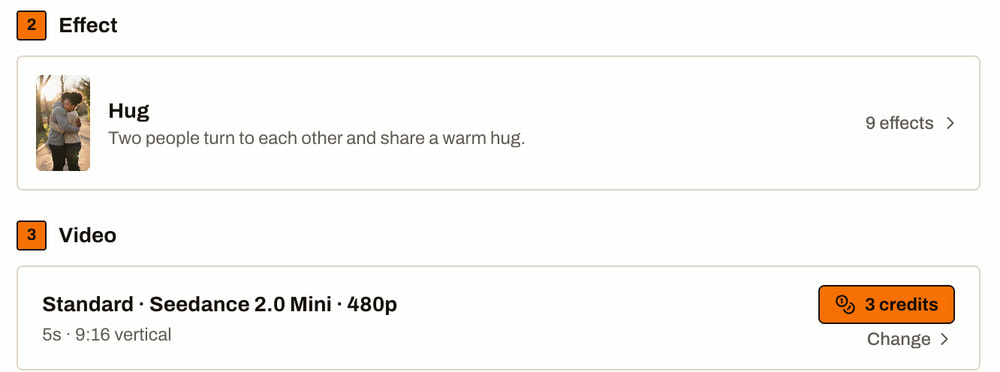
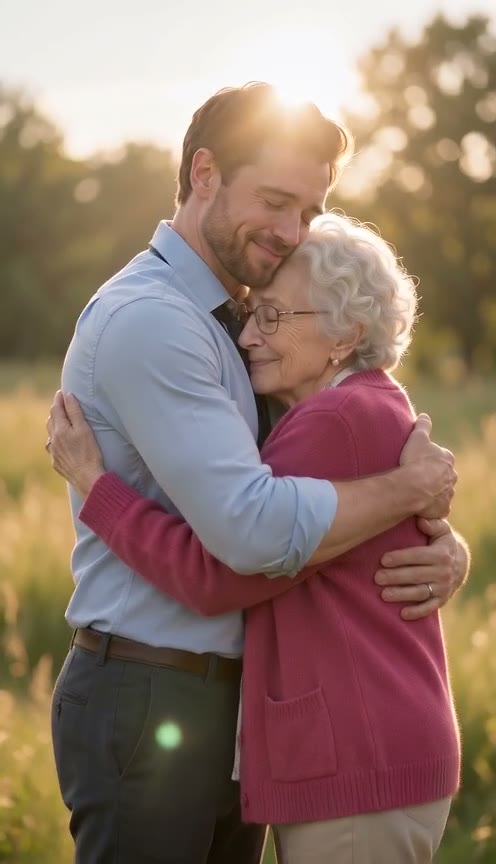
Two people turn to each other and share a warm hug.
AI example with AI-made performers · Standard · 5s · 480p
More rap videos made with AI
See examplesTwo photos, one warm hug. Add one photo of each person and the AI puts you face to face on a sunlit park path. You step in and hug while the camera slowly circles.
A hug you couldn't film
AI hug videos took off because they give people a moment they couldn't capture: a hug with a best friend who moved away, a partner in another time zone, or family abroad.
Here it starts from two separate photos, one of each person. The AI puts you face to face on a sunlit park path, and you share a long, warm hug in one continuous shot.
Making one for someone who has passed away? See the memorial hugWhat the AI hug looks like
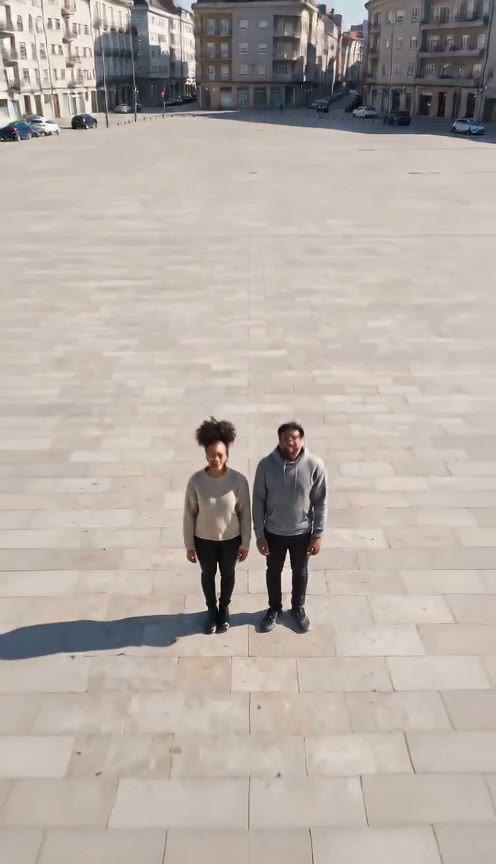
The two people stand a step apart, smile at each other, open their arms and share a long hug with their eyes closed. The camera moves a quarter turn around them in one continuous shot.
- A sunlit park path in late afternoon
- Both faces stay visible from the side
- A slow quarter-turn camera move
- A soft piano soundtrack
AI Hug Generator, second by second
| Seconds | What happens |
|---|---|
| 0–1 s | You look at each other and smile. |
| 1–2 s | You step closer and open your arms. |
| 2–5 s | A long, warm hug with eyes closed while the camera circles a quarter turn. |
Timings for a 5-second clip. Longer clips play the same moves more slowly, and each render differs a little because the AI sets the exact pace.
How to make it
- 1
Add your photo
One clear, front-facing photo per person. Sharp, well-lit faces come out best.
RapVideo AI editor - 2
Pick the length and quality
5 to 15 seconds at 480p or 720p. The button shows the credits before you create.
RapVideo AI editor - 3
Create and download
Your video is usually ready in 2 to 5 minutes and saved to your history as an MP4.
RapVideo AI editor
Who to make one with
Friends in different cities
Two selfies taken far apart become one hug in the same frame.
Couples apart
Send one for an anniversary or a long-distance birthday.
Family far away
A grandparent or a sibling abroad, from photos you already have.
A thank-you
A warm way to thank a friend, a mentor or a teammate.
Tips for a warm AI hug
Two photos, one person each
The hug needs exactly two people. Add a separate photo of each.
Clear, front-facing faces
Good light and no sunglasses keep both people recognizable.
Ask first
Only use photos of people who are happy to be in the video.
Try 10 seconds
A longer clip gives the hug more time before the video ends.
At a glance
| What you add | Two photos, one of each person |
|---|---|
| Kept from your photo | Both faces, hair and clothes |
| Made by the effect | The park path, the hug and the camera move |
| Length | 5 to 15 seconds |
| Format | MP4 in 9:16, 1:1 or 16:9, at 480p or 720p |
| Cost | 3 credits for 5 seconds at 480p, 5 credits at 720p |
| Ready in | About 2 to 5 minutes |
| Sound | A generated, soft piano instrumental |
| Watermark | None |
More AI video effects
 Earth Zoom OutStarts in a city square and rises to the whole planet.
 Money RainBanknotes pour down while you laugh and grab them.
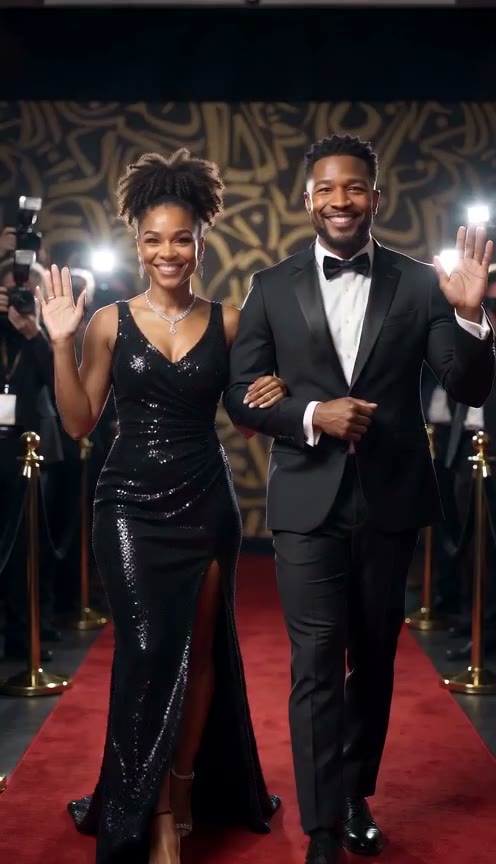 Red CarpetWalk a premiere carpet in formal wear under flashing cameras.
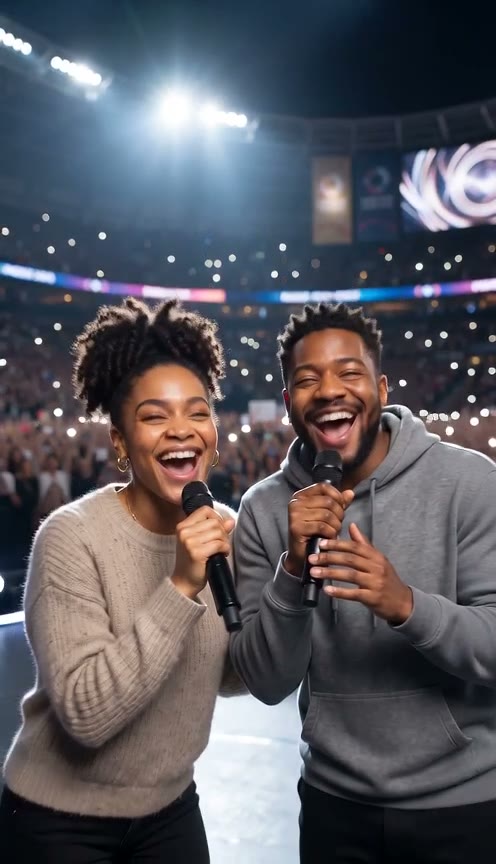 Live ConcertSing up close, then the camera pulls back to a packed stadium.
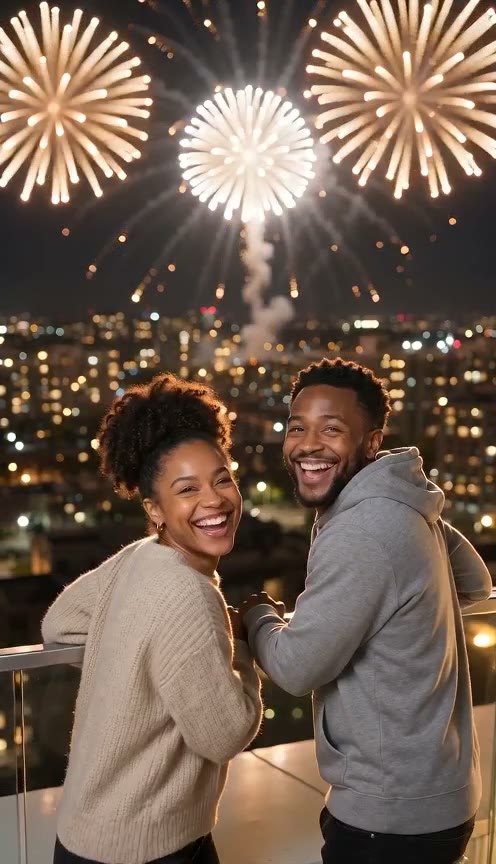 FireworksThe night sky bursts into fireworks behind you.
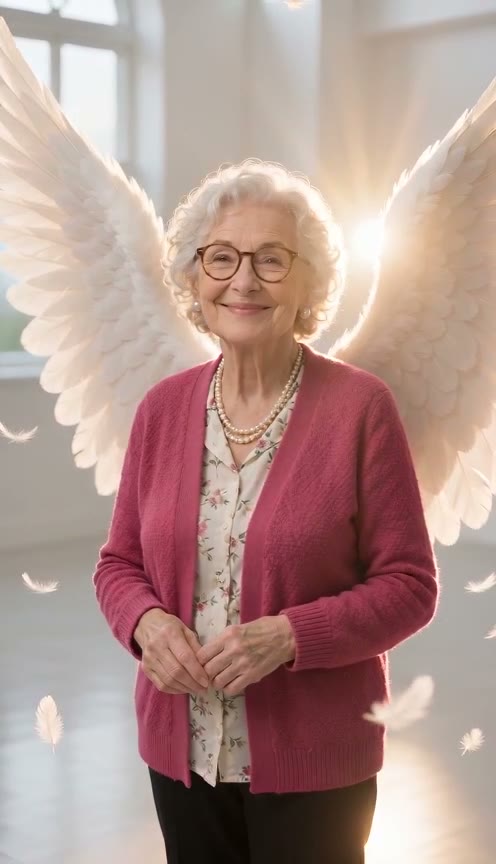 Angel WingsLarge white wings slowly unfold from your back.
 Outfit SwitchSnap your fingers and switch into three new outfits.
 Memorial HugA gentle hug with someone you miss, from a photo of each of you.
 Christmas Pajama DanceDance in matching Christmas pajamas by the tree.
 Slow DanceTwo people sway in a slow, tender dance.
FAQ
AI hug video questions
Add one photo of each person, pick Hug and create. In about 2 to 5 minutes you get an MP4 of the two of you hugging.
No. Add two separate photos, one of each person. The generator asks for both.
A 5-second clip on Standard at 480p is 3 credits, and 5 credits at 720p. The button shows the price before you create. New accounts get 3 free credits, enough for one 5-second video. Failed renders are refunded automatically.
Friends, partners and family, anyone who agreed to be in the video. For a child, you need to be their parent or guardian or have their permission. Don't use photos of celebrities or of people who haven't given permission.
Yes, a soft piano instrumental is generated with the clip. No real song is used.
Your first one can be. New accounts get 3 free credits, enough for one 5-second video at 480p, with no watermark and a download. After that you pay with credits; no subscription needed.
You can try. Add a photo of you today as the first person and a childhood photo of you as the second. Each face comes from its own photo, so a clear, front-facing childhood picture gives the closest likeness.