
AI video effect
AI Outfit Change
1Your photo
One photo is enough: solo or the two of you.
2Effect
2Scene
3Video
This video: 3 credits. Ready in about 2 to 5 minutes; failed renders return your credits. View pricing
The effect
Snap your fingers and switch into three new outfits.
AI example with AI-made performers · Standard · 5s · 480p
More rap videos made with AI
See examplesSnap your fingers and change outfits three times. Add one photo, or one photo of each of two people, and get a short video where every snap swaps your clothes for a new look. No filming and no editing.
Why outfit change videos work
Outfit change clips are one of the most rewatched formats on TikTok and Reels: the same person in the same spot, with a new look on every beat. Filming one usually takes a tripod, several outfits and careful editing to line up each cut.
Here the AI does the changing. You add one photo, and it keeps your face and body while it swaps your clothes three times, each on a finger snap with a flash, in one continuous shot.
What the outfit change looks like
You start in your own clothes in a bright photo studio. You raise a hand and snap, a white flash fills the frame, and you are wearing the next outfit. It happens three times in one continuous shot.
- Look 1: a sparkly silver party outfit
- Look 2: bold orange streetwear with sneakers
- Look 3: black-tie, a tuxedo or an evening gown
- One person, or two people side by side
AI Outfit Change, second by second
| Seconds | What happens |
|---|---|
| 0–1 s | Your own clothes. You smile and raise a hand. |
| 1–2.3 s | Snap, a white flash: a silver party look. The hand goes up again. |
| 2.3–3.6 s | Snap two: bold orange streetwear with sneakers. |
| 3.6–5 s | Snap three: black-tie, one hand on the hip, held to the end. |
Timings for a 5-second clip. Longer clips play the same moves more slowly, and each render differs a little because the AI sets the exact pace.
How to make it
- 1
Add your photo
One clear, front-facing photo per person. Sharp, well-lit faces come out best.
RapVideo AI editor - 2
Pick the length and quality
5 to 15 seconds at 480p or 720p. The button shows the credits before you create.
RapVideo AI editor - 3
Create and download
Your video is usually ready in 2 to 5 minutes and saved to your history as an MP4.
RapVideo AI editor
Ideas for an outfit change video
A glow-up post
Go from everyday clothes to a party look and black-tie in five seconds.
Matching looks with a friend
Add two photos and switch outfits together, side by side.
Event countdowns
Tease a party, prom night or a wedding with the black-tie finish.
A quick hook
Open a TikTok or Reel with the snap, then cut to the rest of your video.
Tips for a clean outfit change
Show your whole outfit
A full-body or knee-up photo shows the model your shape, so the new clothes fit naturally.
One clear face per photo
Face the camera in good light. Sunglasses, masks and heavy filters make the face drift.
Two people, two photos
For a duo, add one photo of each person. Both switch outfits on the same snaps.
Longer clips, slower snaps
At 5 seconds the three looks come fast. An 8-second clip spreads the snaps out; Outfit Switch comes in 5 or 8 seconds.
At a glance
| What you add | One photo, or one photo of each of two people |
|---|---|
| Kept from your photo | Your face, hair and body |
| Made by the effect | The studio, the three new outfits, the snaps and the flashes |
| Length | 5 or 8 seconds |
| Format | MP4 in 9:16, 1:1 or 16:9, at 480p or 720p |
| Cost | 3 credits for 5 seconds at 480p, 5 credits at 720p |
| Ready in | About 2 to 5 minutes |
| Sound | A generated, upbeat soundtrack |
| Watermark | None |
More AI video effects
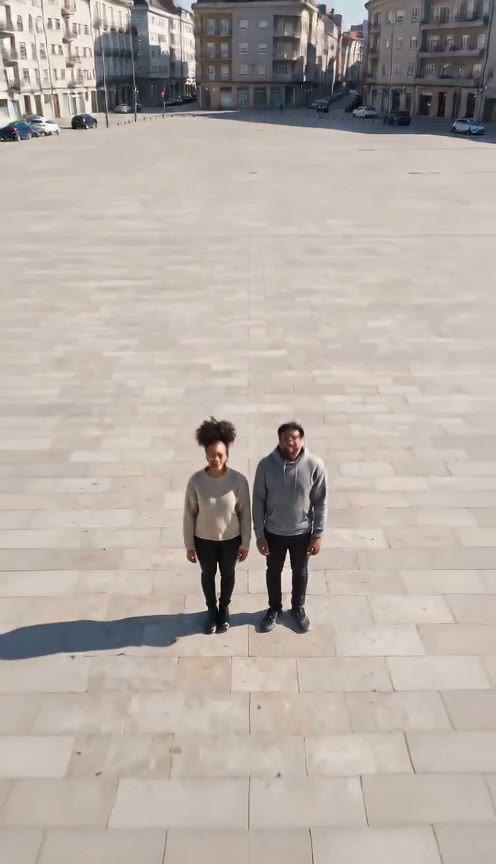 Earth Zoom OutStarts in a city square and rises to the whole planet.
 Money RainBanknotes pour down while you laugh and grab them.
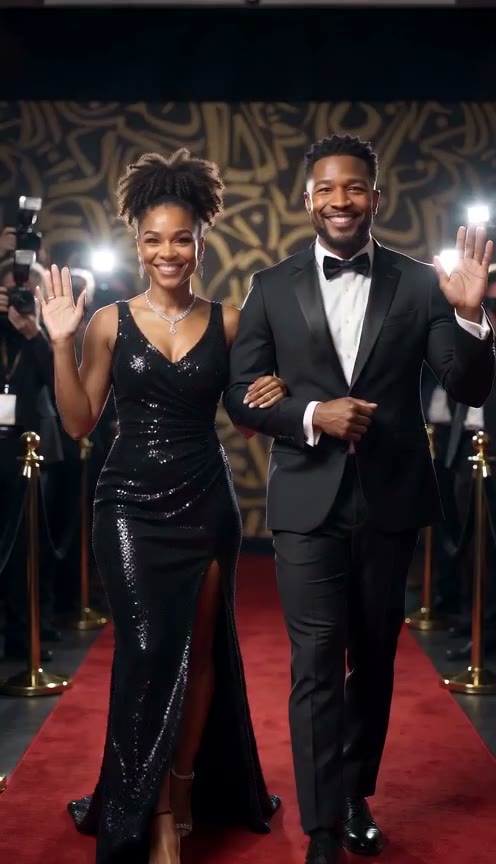 Red CarpetWalk a premiere carpet in formal wear under flashing cameras.
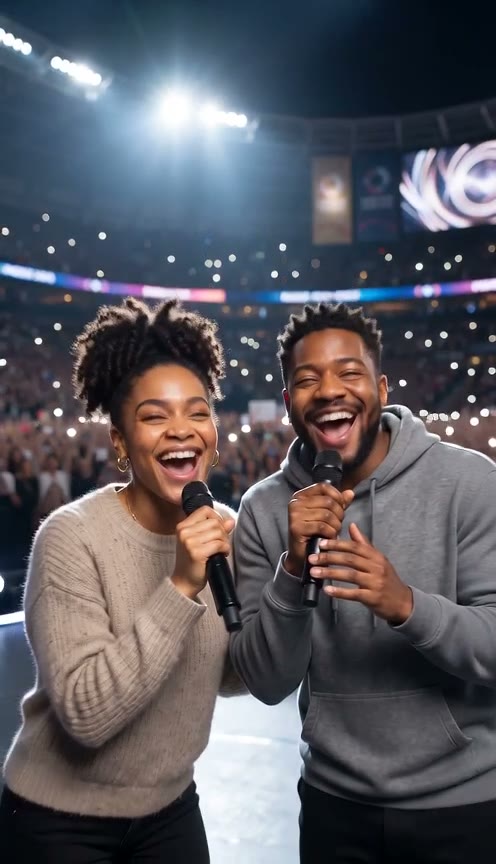 Live ConcertSing up close, then the camera pulls back to a packed stadium.
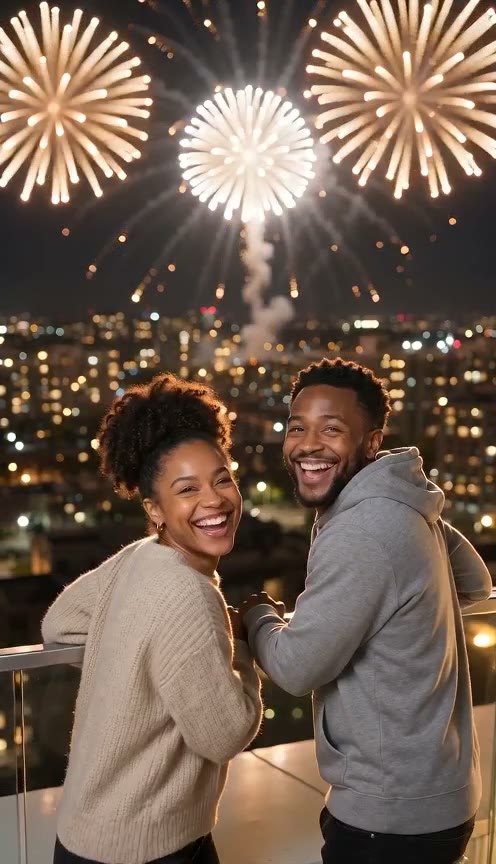 FireworksThe night sky bursts into fireworks behind you.
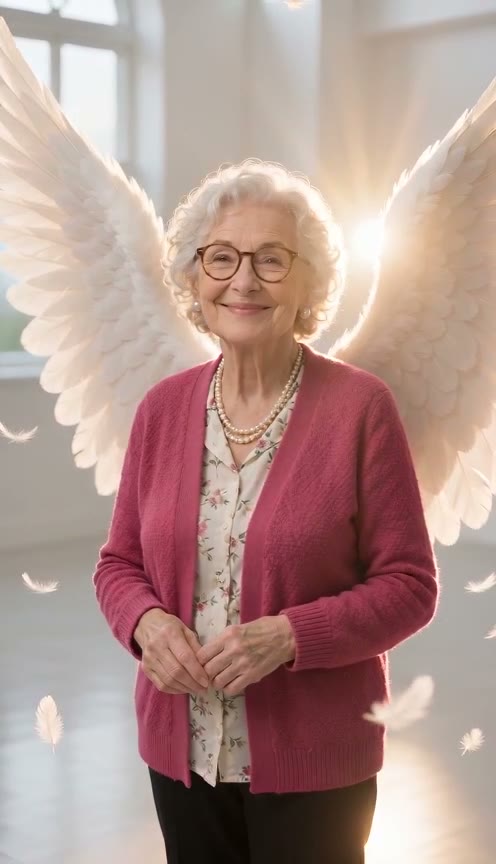 Angel WingsLarge white wings slowly unfold from your back.
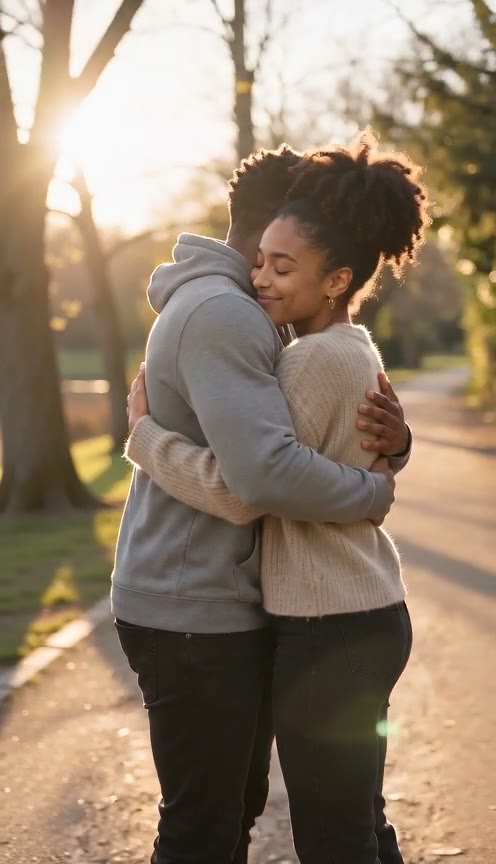 HugTwo people turn to each other and share a warm hug.
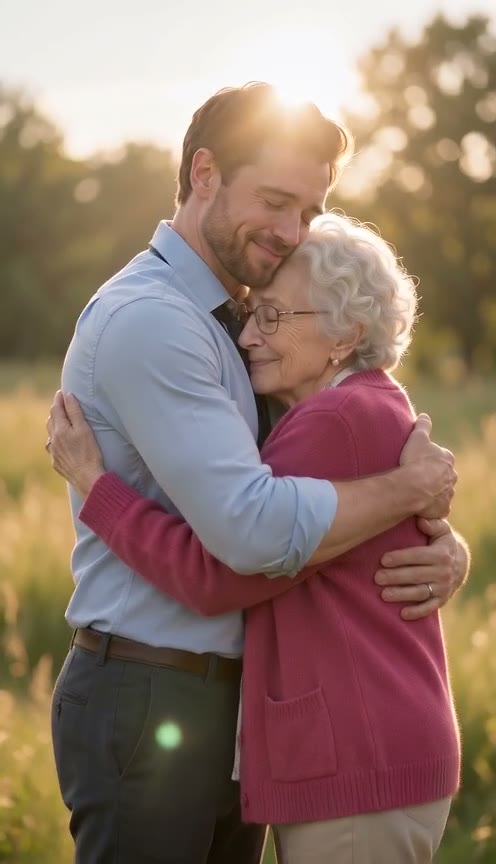 Memorial HugA gentle hug with someone you miss, from a photo of each of you.
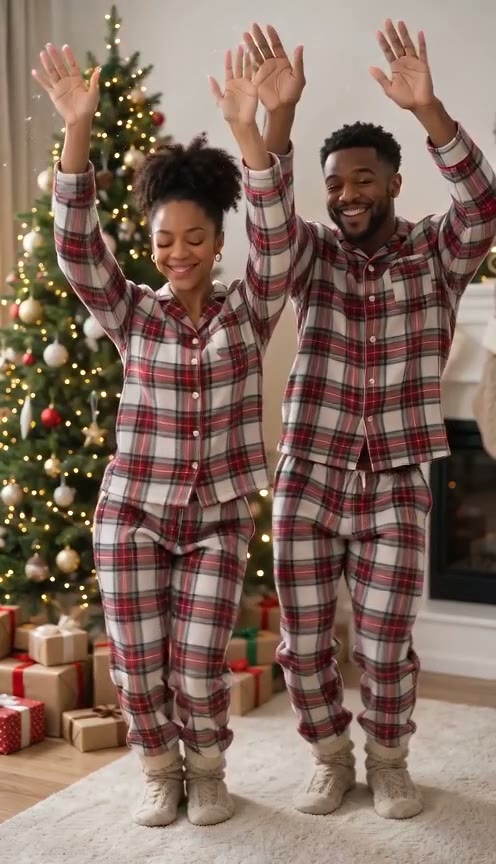 Christmas Pajama DanceDance in matching Christmas pajamas by the tree.
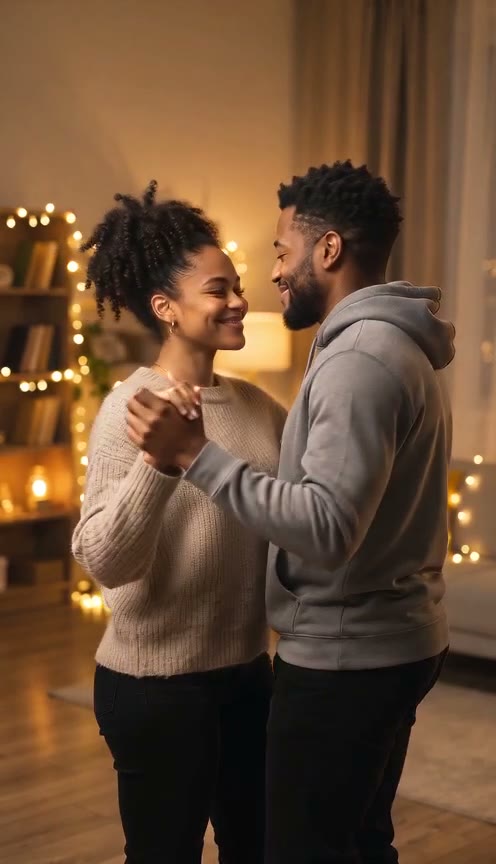 Slow DanceTwo people sway in a slow, tender dance.
FAQ
AI outfit change questions
Yes. Add a photo and pick Outfit Switch. The AI keeps your face and body and swaps only your clothes, three times, each on a finger snap.
Not yet. Every video uses the same three looks: a silver party outfit, orange streetwear and black-tie. Each look is adapted to the person, for example a suit or a gown.
A 5-second clip on Standard at 480p is 3 credits, and 5 credits at 720p. The button shows the price before you create. New accounts get 3 free credits, enough for one 5-second video. Failed renders are refunded automatically.
Yes. Add one photo of each person. They stand side by side and switch outfits together on every snap.
Each clip comes with its own generated, upbeat soundtrack. No real song is used.
Your first one can be. New accounts get 3 free credits, enough for one 5-second video at 480p, with no watermark and a download. After that you pay with credits; no subscription needed.
The AI snaps on its own rhythm, about every two seconds. Three outfits fit cleanly into 5 or 8 seconds; in longer tests it snapped again with nothing left to change into, so we only offer those two lengths.