
AI video effect
An AI hug with a loved one who has passed
1Your photo
Add one photo of each person: this effect needs two.
2Effect
2Scene
3Video
This video: 3 credits. Ready in about 2 to 5 minutes; failed renders return your credits. View pricing
The effect
A gentle hug with someone you miss, from a photo of each of you.
AI example with AI-made performers · Standard · 5s · 480p
More rap videos made with AI
See examplesOne more hug, from the photos you still keep. Add a photo of you and a photo of the person you miss. The AI brings you face to face in a quiet meadow at golden hour, and you share a long, gentle hug.
What this hug is, and what it cannot be
A memorial hug is a short video made from two still photos: one of you today, and one of a parent, grandparent, partner or friend who has passed away. The photos can come from different decades.
The hug never happened, and the clip doesn't replace real memories or recordings. Some people find it comforting to see; others find it strange or too soon, and both are okay.
Want a hug with someone far away instead? See the AI hug generatorWhat the memorial hug looks like
The two of you stand a step apart, smile at each other, walk slowly closer and hold each other in a long hug with your eyes closed. The camera slowly moves in through the warm light in one continuous shot, with soft piano and strings.
- A quiet meadow in warm golden-hour light
- Both faces kept from their own photos
- A slow, gentle camera move
- Soft piano and strings, no words
Memorial Hug, second by second
| Seconds | What happens |
|---|---|
| 0–1 s | You look at each other with soft smiles. |
| 1–2 s | You step slowly closer and open your arms. |
| 2–5 s | A long, tender hug, one head on the other's shoulder, as the camera moves in through the warm light. |
Timings for a 5-second clip. Longer clips play the same moves more slowly, and each render differs a little because the AI sets the exact pace.
How to make it
- 1
Add your photo
One clear, front-facing photo per person. Sharp, well-lit faces come out best.
- 2
Pick the length and quality
5 to 15 seconds at 480p or 720p. The button shows the credits before you create.
- 3
Create and download
Your video is usually ready in 2 to 5 minutes and saved to your history as an MP4.
Days when someone is missing
Anniversaries and birthdays
A quiet way to mark their day, or yours.
Holidays
When the family gathers and one seat is empty.
Weddings and new babies
For the big moments you wish they could have seen.
A celebration of life
A short, gentle clip to share with people who loved them too.
Choosing their photo
A clear face matters most
Pick the photo where their face is sharp and well lit, even if it is not the newest one.
Old prints are fine
A phone photo of a printed picture works. Black-and-white and faded photos are shown in natural colour; a sharper face gives a closer likeness.
Two separate photos
Use one photo of you and one of them, so each face comes from its own picture.
Talk to family first
Some people find these clips comforting; others find them too soon. Ask before you share it with relatives.
At a glance
| What you add | Two photos: one of you, one of them |
|---|---|
| Kept from your photo | Both faces, hair and clothes; old photos are shown in natural colour |
| Made by the effect | The meadow, the golden light and the hug |
| Length | 5 to 15 seconds |
| Format | MP4 in 9:16, 1:1 or 16:9, at 480p or 720p |
| Cost | 3 credits for 5 seconds at 480p, 5 credits at 720p |
| Ready in | About 2 to 5 minutes |
| Sound | A generated instrumental of soft piano and strings |
| Watermark | None |
More AI video effects
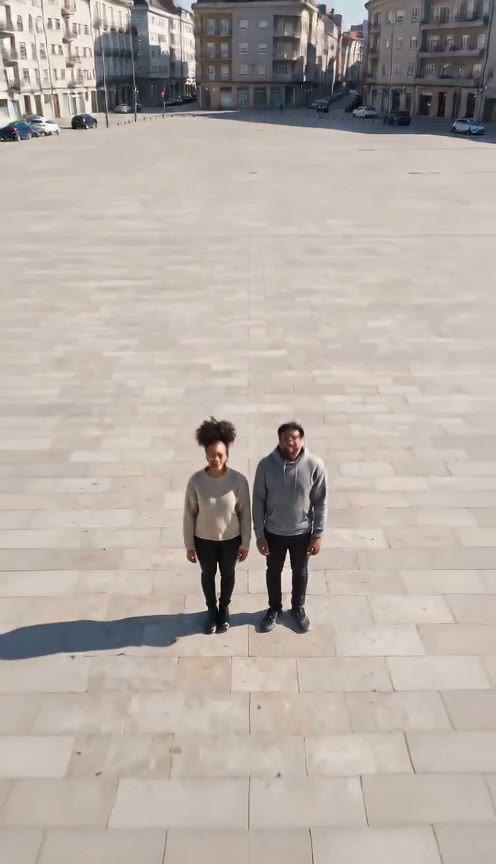 Earth Zoom OutStarts in a city square and rises to the whole planet.
 Money RainBanknotes pour down while you laugh and grab them.
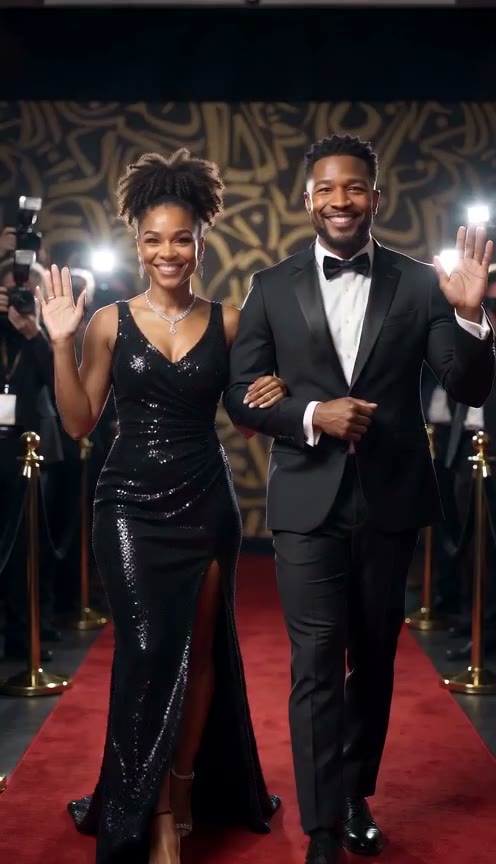 Red CarpetWalk a premiere carpet in formal wear under flashing cameras.
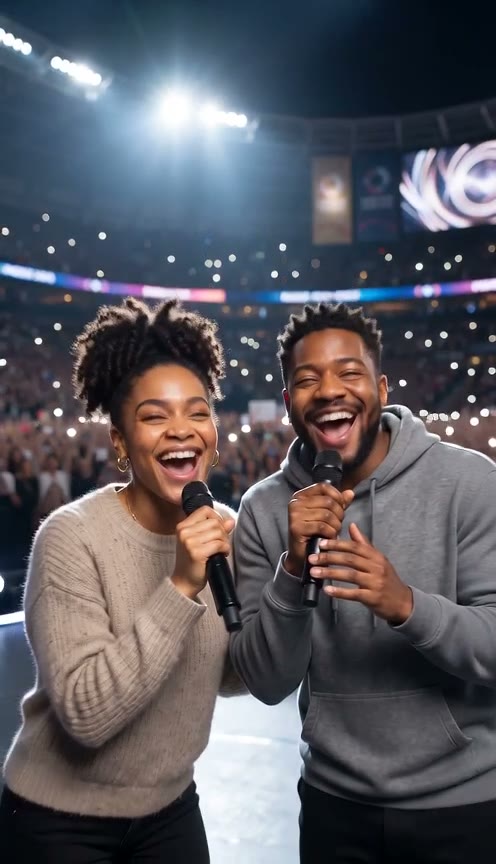 Live ConcertSing up close, then the camera pulls back to a packed stadium.
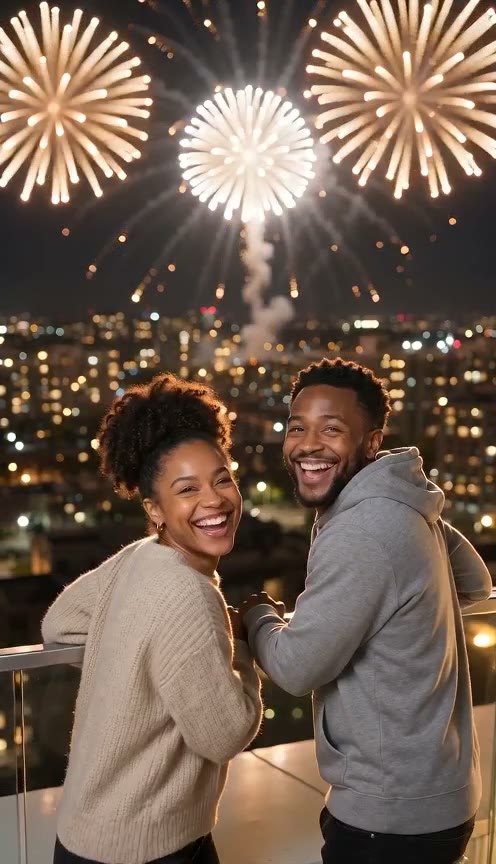 FireworksThe night sky bursts into fireworks behind you.
 Angel WingsLarge white wings slowly unfold from your back.
 Outfit SwitchSnap your fingers and switch into three new outfits.
 HugTwo people turn to each other and share a warm hug.
 Christmas Pajama DanceDance in matching Christmas pajamas by the tree.
 Slow DanceTwo people sway in a slow, tender dance.
FAQ
Questions before you make the hug
Add a photo of you and a photo of them; Memorial Hug is already selected on this page. Create, and in about 2 to 5 minutes you get an MP4 of the two of you hugging.
No. The hug never happened: the AI imagines the movement from two still photos. It keeps their face from the photo, but it is a tribute, not a recording.
Yes. Black-and-white, sepia and faded photos are shown in natural colour, at the age they are in the photo. A clear, front-facing face gives the closest likeness; very small or blurry photos give a softer one.
A 5-second clip on Standard at 480p is 3 credits, and 5 credits at 720p. New accounts get 3 free credits, enough for one 5-second video. Failed renders are refunded automatically.
Your own, and photos of a family member or friend you have the right to use. For a child, you need to be their parent or guardian. Please talk with close family before sharing the video.
Your first one can be. New accounts get 3 free credits, enough for one 5-second video at 480p, with no watermark and a download. After that you pay with credits; no subscription needed.
Not in the clip. It has no voice and no words, only soft music. You can add a caption, a date or a voice note in your own editor or messaging app when you share it.