
AI video effect
AI Red Carpet
1Your photo
One photo is enough: solo or the two of you.
2Effect
2Scene
3Video
This video: 3 credits. Ready in about 2 to 5 minutes; failed renders return your credits. View pricing
The effect
Walk a premiere carpet in formal wear under flashing cameras.
AI example with AI-made performers · Standard · 5s · 480p
More rap videos made with AI
See examplesWalk the red carpet at a premiere. Add a photo and the AI dresses you in red-carpet formal wear, then you walk toward the camera at a night film premiere while photographers flash away.
Your own premiere moment
Paparazzi and red carpet clips are a steady favourite among AI photo-to-video effects: one selfie becomes a celebrity walk under camera flashes. People make them for birthdays, prom and graduation, a couple's big announcement, or just to see themselves treated like a star.
Here the AI first dresses you in formal wear, a tuxedo or an evening gown, then you walk a night premiere past velvet ropes, wave, stop for a pose over your shoulder and the flashes go off. The event is generic, with no real film, brand or logo.
What the red carpet looks like
You walk slowly toward the camera, smiling and waving, with flashes bursting from both sides. You stop, strike a pose over your shoulder, and the camera pulls back into a storm of flashes.
- A night film premiere with velvet ropes
- Formal wear: a tuxedo or an evening gown
- A crowd of photographers and camera flashes
- One person, or a couple walking together
AI Red Carpet, second by second
| Seconds | What happens |
|---|---|
| 0–2 s | You walk toward the camera, smiling and waving, as flashes burst on both sides. |
| 2–4 s | You stop and pose, glancing over your shoulder. The flashes get stronger. |
| 4–5 s | The camera pulls back, keeping you centered in a storm of flashes. |
Timings for a 5-second clip. Longer clips play the same moves more slowly, and each render differs a little because the AI sets the exact pace.
How to make it
- 1
Add your photo
One clear, front-facing photo per person. Sharp, well-lit faces come out best.
- 2
Pick the length and quality
5 to 15 seconds at 480p or 720p. The button shows the credits before you create.
- 3
Create and download
Your video is usually ready in 2 to 5 minutes and saved to your history as an MP4.
Ideas for a red carpet video
Prom and formal nights
Tease the big night before the real photos come out.
The birthday star
Make one of the birthday person and play it at the party.
A couple's debut
Walk in together for an anniversary or an engagement post.
A launch or opening night
A new book, project or show deserves a premiere.
Tips for a red carpet moment
Use a clear, front-facing photo
Your face stays the same while your outfit changes, so a sharp face matters most.
Any outfit is fine
The AI dresses you in formal wear, so you don't need a fancy photo.
Walk as a couple
Add a second photo and you walk the carpet side by side.
Try 10 seconds
A longer clip gives you more time to walk and pose.
At a glance
| What you add | One photo, or one photo of each of two people |
|---|---|
| Kept from your photo | Your face and hair |
| Made by the effect | The premiere, the formal outfit and the photographers |
| Length | 5 to 15 seconds |
| Format | MP4 in 9:16, 1:1 or 16:9, at 480p or 720p |
| Cost | 3 credits for 5 seconds at 480p, 5 credits at 720p |
| Ready in | About 2 to 5 minutes |
| Sound | A generated lounge groove with soft crowd murmur |
| Watermark | None |
More AI video effects
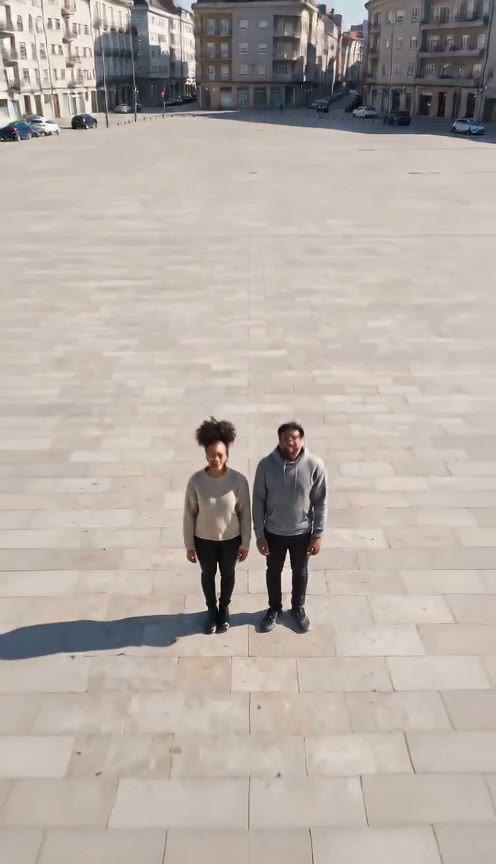 Earth Zoom OutStarts in a city square and rises to the whole planet.
 Money RainBanknotes pour down while you laugh and grab them.
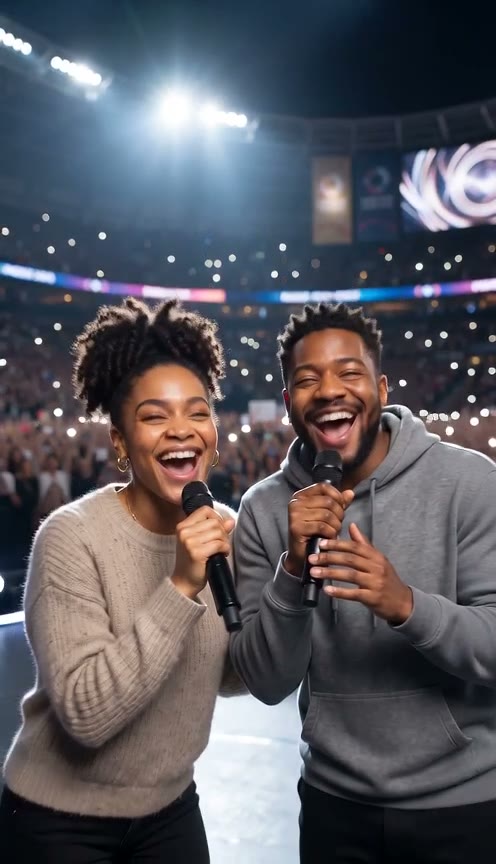 Live ConcertSing up close, then the camera pulls back to a packed stadium.
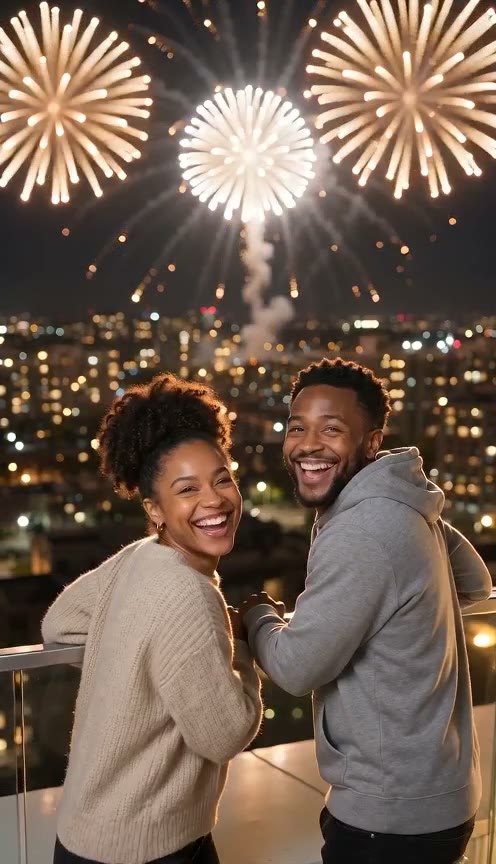 FireworksThe night sky bursts into fireworks behind you.
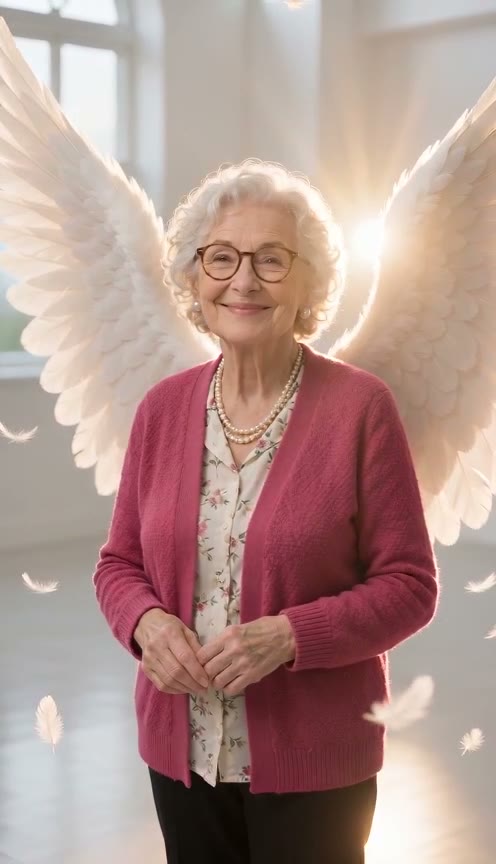 Angel WingsLarge white wings slowly unfold from your back.
 Outfit SwitchSnap your fingers and switch into three new outfits.
 HugTwo people turn to each other and share a warm hug.
 Memorial HugA gentle hug with someone you miss, from a photo of each of you.
 Christmas Pajama DanceDance in matching Christmas pajamas by the tree.
 Slow DanceTwo people sway in a slow, tender dance.
FAQ
AI red carpet questions
Add a photo, pick Red Carpet and create. In about 2 to 5 minutes you get an MP4 of you walking a premiere carpet.
Yes. Your face and hair stay the same, and you are dressed in red-carpet formal wear that suits you, such as a tuxedo or a long evening gown.
A 5-second clip on Standard at 480p is 3 credits, and 5 credits at 720p. The button shows the price before you create. New accounts get 3 free credits, enough for one 5-second video. Failed renders are refunded automatically.
No. The premiere is generic: the backdrop has an abstract gold pattern with no words, logos or brand names.
Yes, a light lounge groove with soft crowd murmur is generated with the clip. No real song is used.
Your first one can be. New accounts get 3 free credits, enough for one 5-second video at 480p, with no watermark and a download. After that you pay with credits; no subscription needed.
No. This effect always dresses you in formal wear for the premiere. To keep the clothes from your photo, try Money Rain, Fireworks or Live Concert.