
AI video effect
AI Live Concert
1Your photo
One photo is enough: solo or the two of you.
2Effect
2Scene
3Video
This video: 3 credits. Ready in about 2 to 5 minutes; failed renders return your credits. View pricing
The effect
Sing up close, then the camera pulls back to a packed stadium.
AI example with AI-made performers · Standard · 5s · 480p
More rap videos made with AI
See examplesHeadline a stadium, from one photo. Add a photo and the AI puts you on a huge stage singing into a microphone, then pulls the camera back to reveal a stadium crowd waving phone lights.
Headline a stadium for a few seconds
Seeing yourself on a huge stage is one of the classic AI video wishes, and concert-style clips, from jumbotron fan-cam edits to full stage shots, keep coming back on TikTok and Reels. Most are built the same way: a photo becomes a stage scene, then the scene is animated.
We do it in those two steps. The AI first puts you close-up at the front of a stadium stage with a microphone, then the camera pulls back and rises to reveal the crowd, phone lights and falling confetti. The stage, screens and mic carry no names or logos.
What the live concert looks like
The clip starts close on you singing under sweeping spotlights. The camera pulls back and rises in one move, revealing the whole stage and a roaring crowd as silver confetti falls.
- Starts close-up, singing into a mic
- Pulls back to a packed stadium
- Spotlights, phone lights and confetti
- One performer, or a duo side by side
AI Live Concert, second by second
| Seconds | What happens |
|---|---|
| 0–1.5 s | Close on you singing into the mic under sweeping spotlights. |
| 1.5–4 s | The camera pulls back and rises: the stage, then a crowd waving phone lights. Confetti starts to fall. |
| 4–5 s | A wide view: you at the center of the huge lit stage while the crowd roars. |
Timings for a 5-second clip. Longer clips play the same moves more slowly, and each render differs a little because the AI sets the exact pace.
How to make it
- 1
Add your photo
One clear, front-facing photo per person. Sharp, well-lit faces come out best.
- 2
Pick the length and quality
5 to 15 seconds at 480p or 720p. The button shows the credits before you create.
- 3
Create and download
Your video is usually ready in 2 to 5 minutes and saved to your history as an MP4.
Ideas for a concert video
A singer's dream post
Show where you are headed, one stadium at a time.
A music fan's birthday
Put the birthday person on the big stage for once.
A release teaser
A duo or a band announcing a new track or a gig.
The opening shot
Start with the stadium, then cut to a full rap made with the rap video generator.
Tips for a stadium-sized moment
Use a clear, front-facing photo
The clip opens close on your face, so a sharp, well-lit photo matters.
Any background works
The AI builds the stage and the crowd itself.
Perform as a duo
Add a second photo and you sing side by side at the front of the stage.
Try 10 seconds
A longer clip gives the camera more time to reveal the crowd.
At a glance
| What you add | One photo, or one photo of each of two people |
|---|---|
| Kept from your photo | Your face, hair and clothes |
| Made by the effect | The stage, the microphone, the crowd, the lights and the confetti |
| Length | 5 to 15 seconds |
| Format | MP4 in 9:16, 1:1 or 16:9, at 480p or 720p |
| Cost | 3 credits for 5 seconds at 480p, 5 credits at 720p |
| Ready in | About 2 to 5 minutes |
| Sound | A generated stadium pop-rock instrumental with a cheering crowd |
| Watermark | None |
More AI video effects
 Earth Zoom OutStarts in a city square and rises to the whole planet.
 Money RainBanknotes pour down while you laugh and grab them.
 Red CarpetWalk a premiere carpet in formal wear under flashing cameras.
 FireworksThe night sky bursts into fireworks behind you.
 Angel WingsLarge white wings slowly unfold from your back.
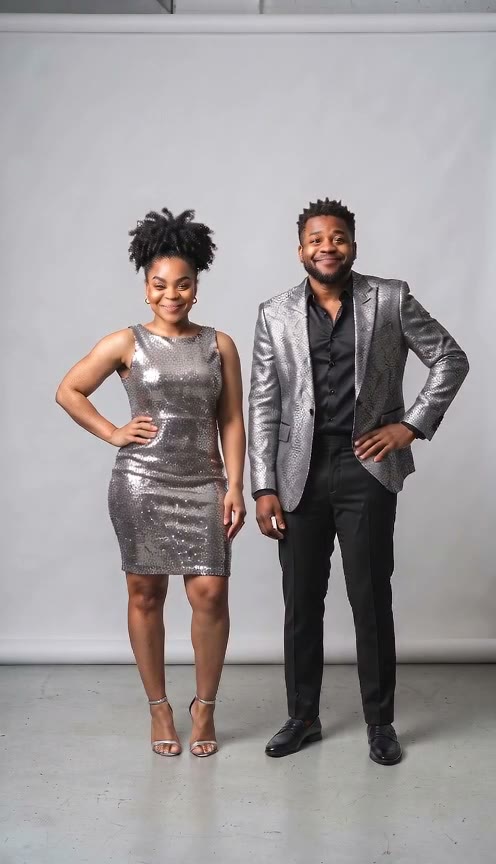 Outfit SwitchSnap your fingers and switch into three new outfits.
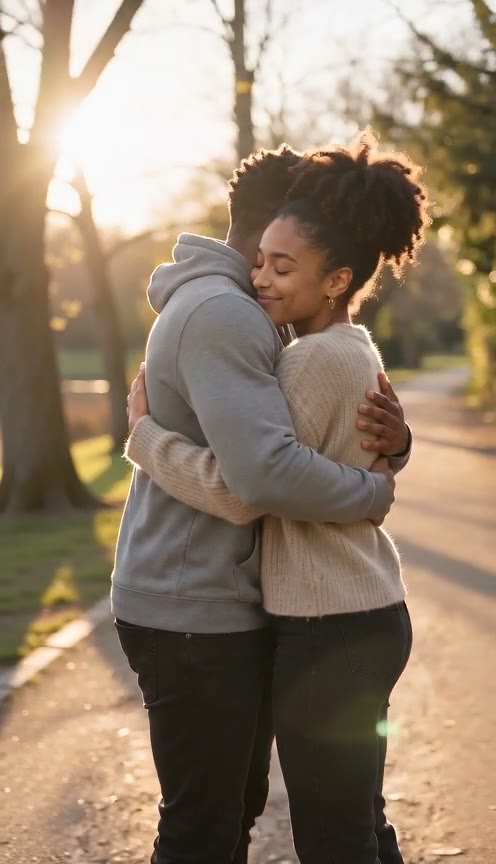 HugTwo people turn to each other and share a warm hug.
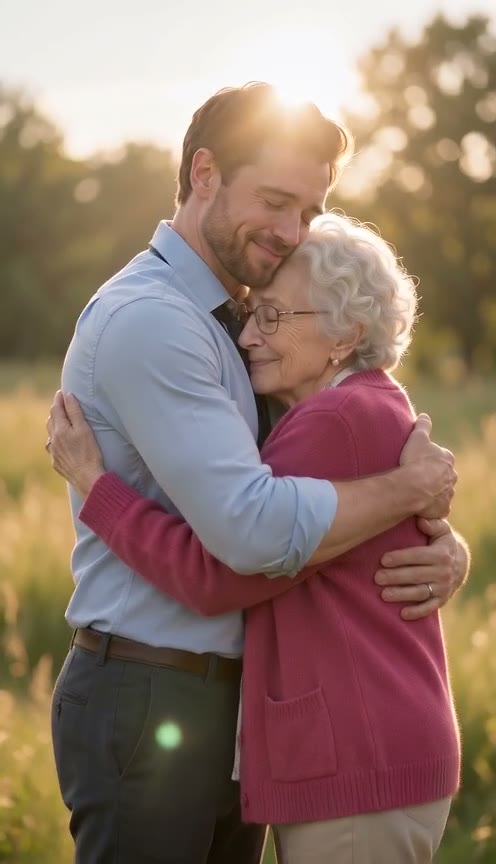 Memorial HugA gentle hug with someone you miss, from a photo of each of you.
 Christmas Pajama DanceDance in matching Christmas pajamas by the tree.
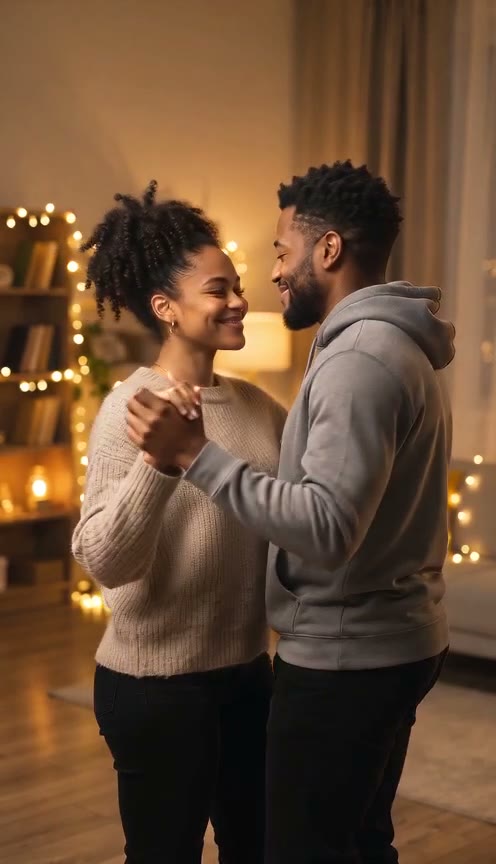 Slow DanceTwo people sway in a slow, tender dance.
FAQ
AI live concert questions
Add a photo, pick Live Concert and create. In about 2 to 5 minutes you get an MP4 of you on a stadium stage.
No. You can't upload a song. The clip gets a generated stadium rock instrumental with a cheering crowd. For a real rap with lyrics, use the rap video generator instead.
A 5-second clip on Standard at 480p is 3 credits, and 5 credits at 720p. The button shows the price before you create. New accounts get 3 free credits, enough for one 5-second video. Failed renders are refunded automatically.
No. The stadium is generic, and screens, banners and the microphone show no names, logos or brands.
Yes. Add one photo of each person and you sing side by side on the same stage.
Your first one can be. New accounts get 3 free credits, enough for one 5-second video at 480p, with no watermark and a download. After that you pay with credits; no subscription needed.
You can add a song afterwards in any editor or as a sound on TikTok or Reels, but your lips won't match it: the clip isn't lip-synced to a track. For a video where you actually rap words written for you, use the rap video generator.