
AI video effect
Earth Zoom Out AI
1Your photo
One photo is enough: solo or the two of you.
2Effect
2Scene
3Video
This video: 3 credits. Ready in about 2 to 5 minutes; failed renders return your credits. View pricing
The effect
One photo in, one 5-second clip out: you in a city square, then the camera rises all the way to the whole planet.
AI example with AI-made performers · Standard · 5s · 480p
More rap videos made with AI
See examplesFrom a city square to the whole planet in one shot. Add one photo and the AI places you in a wide city square, then pulls the camera straight up past the rooftops and clouds until you are looking at Earth from space.
Why the Earth zoom out stops the scroll
The Earth zoom out is a video hook: it opens on a person, then the camera rises past the street and the clouds until the whole planet hangs in space. One face to the whole world in a few seconds.
Usually it takes drone footage or careful editing. Here you add one photo, and the AI builds the city square, the flight up and the view from space as one continuous shot.
What the Earth zoom out looks like
The clip opens on you standing in a city square. The camera rises in one continuous move: the square, the city, the countryside, the clouds, and finally the whole planet with North America in the center.
- Starts at street level in a wide city square
- One smooth camera move, no cuts
- Ends on Earth from space, over land
- One person, or two people together
Earth Zoom Out, second by second
| Seconds | What happens |
|---|---|
| 0–1 s | You stand in a wide city square, seen from above, looking up at the camera. |
| 1–2.5 s | The camera rises fast. The square shrinks, and city blocks and roads appear. |
| 2.5–4 s | The whole city, then farmland and forests, then up through the clouds. |
| 4–5 s | The curve of the planet appears, and the sunlit Earth glows in black space. |
Timings for a 5-second clip. Longer clips play the same moves more slowly, and each render differs a little because the AI sets the exact pace.
How to make it
- 1
Add your photo
One clear, front-facing photo per person. Sharp, well-lit faces come out best.
RapVideo AI editor - 2
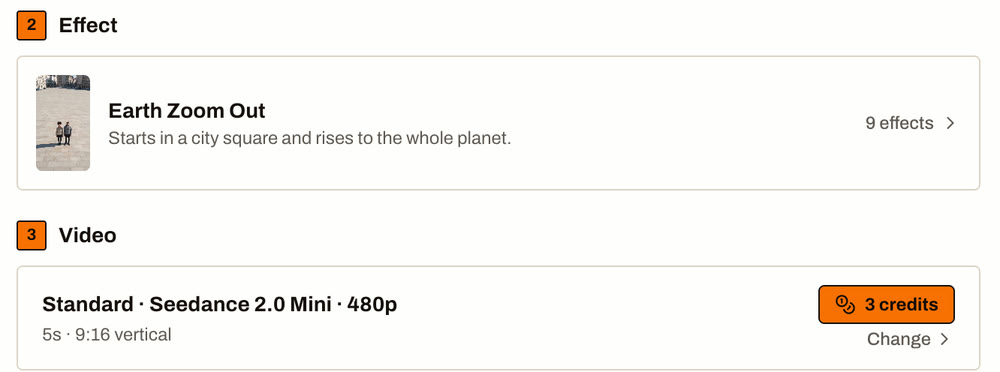
Pick the length and quality
5 to 15 seconds at 480p or 720p. The button shows the credits before you create.
RapVideo AI editor - 3
Create and download
Your video is usually ready in 2 to 5 minutes and saved to your history as an MP4.

RapVideo AI editor
Ideas for an Earth zoom out
An opening hook
Start a TikTok, Reel or Short on you, then pull back to the planet.
Big news
A move, a new job or a trip: zoom out to show how big the moment feels.
The two of you
Add a friend or partner and you rise together from the same square.
A transition
End one clip on Earth from space and start your next scene from there.
Tips for a great Earth zoom out
Use a clear, front-facing photo
The opening shot shows your face. A sharp, well-lit photo keeps it recognizable.
Any background works
The AI builds the city square itself, so a selfie at home is fine.
Try 10 seconds
A longer clip gives the camera more time on the way up.
Bring a friend
Add a second photo and you stand in the square together before the camera lifts off.
At a glance
| What you add | One photo, or one photo of each of two people |
|---|---|
| Kept from your photo | Your face, hair and clothes |
| Made by the effect | The city square, the flight up and the view of Earth |
| Length | 5 to 15 seconds |
| Format | MP4 in 9:16, 1:1 or 16:9, at 480p or 720p |
| Cost | 3 credits for 5 seconds at 480p, 5 credits at 720p |
| Ready in | About 2 to 5 minutes |
| Sound | A generated, rising cinematic instrumental |
| Watermark | None |
More AI video effects
 Money RainBanknotes pour down while you laugh and grab them.
 Red CarpetWalk a premiere carpet in formal wear under flashing cameras.
 Live ConcertSing up close, then the camera pulls back to a packed stadium.
 FireworksThe night sky bursts into fireworks behind you.
 Angel WingsLarge white wings slowly unfold from your back.
 Outfit SwitchSnap your fingers and switch into three new outfits.
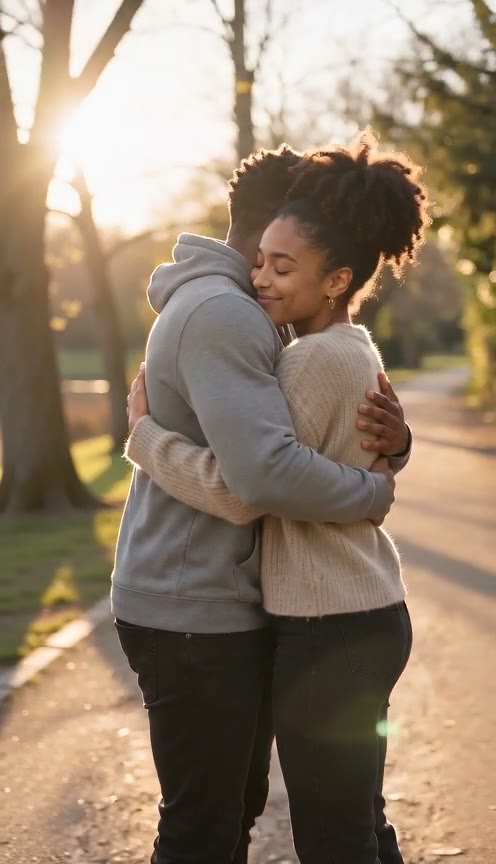 HugTwo people turn to each other and share a warm hug.
 Memorial HugA gentle hug with someone you miss, from a photo of each of you.
 Christmas Pajama DanceDance in matching Christmas pajamas by the tree.
 Slow DanceTwo people sway in a slow, tender dance.
FAQ
Earth zoom out questions
It is a video trend where the camera starts on a person and pulls back until the whole planet is in view. Here you get it from a single photo, without filming.
No. The AI first places you in a city square, so any clear photo of your face works.
A 5-second clip on Standard at 480p is 3 credits, and 5 credits at 720p. The button shows the price before you create. New accounts get 3 free credits, enough for one 5-second video. Failed renders are refunded automatically.
Not yet. Every clip starts in a generic city square and ends over North America.
Yes, a rising cinematic instrumental is generated with the video. No real song is used.
Your first one can be. New accounts get 3 free credits, enough for one 5-second video at 480p, with no watermark and a download. After that you pay with credits; no subscription needed.
Yes. Reverse the MP4 in any video editor and the camera falls from space down to you, then cut to your next clip. Pick 16:9 before you create for YouTube, or 9:16 for TikTok and Reels; the shape doesn't change the price.